Find your holiday home
GuestsAny
0
Property type (more than one allowed)
Amenities (more than one allowed)

host-in app

How do I get Host-in on my smartphone?

Just a few simple steps to add Host-in to your phone's Home screen.
There is nothing to download from the app stores and the service is completely free.
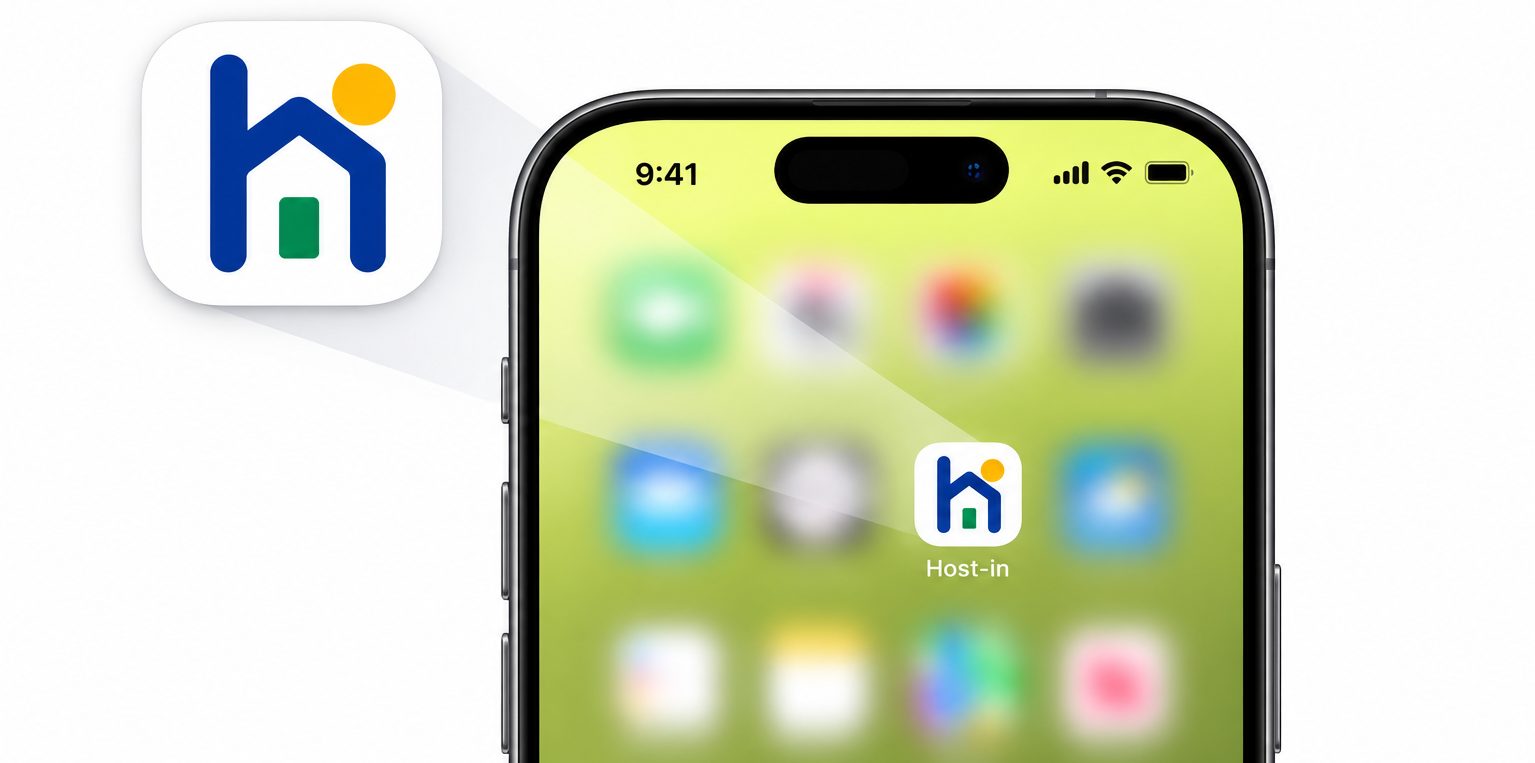
Choose your device and follow the instructions

iPhone

Add host-in on iPhone

1. Open Safari on your iPhone and go to host-in.it.

2. Tap the Share icon at the bottom centre.
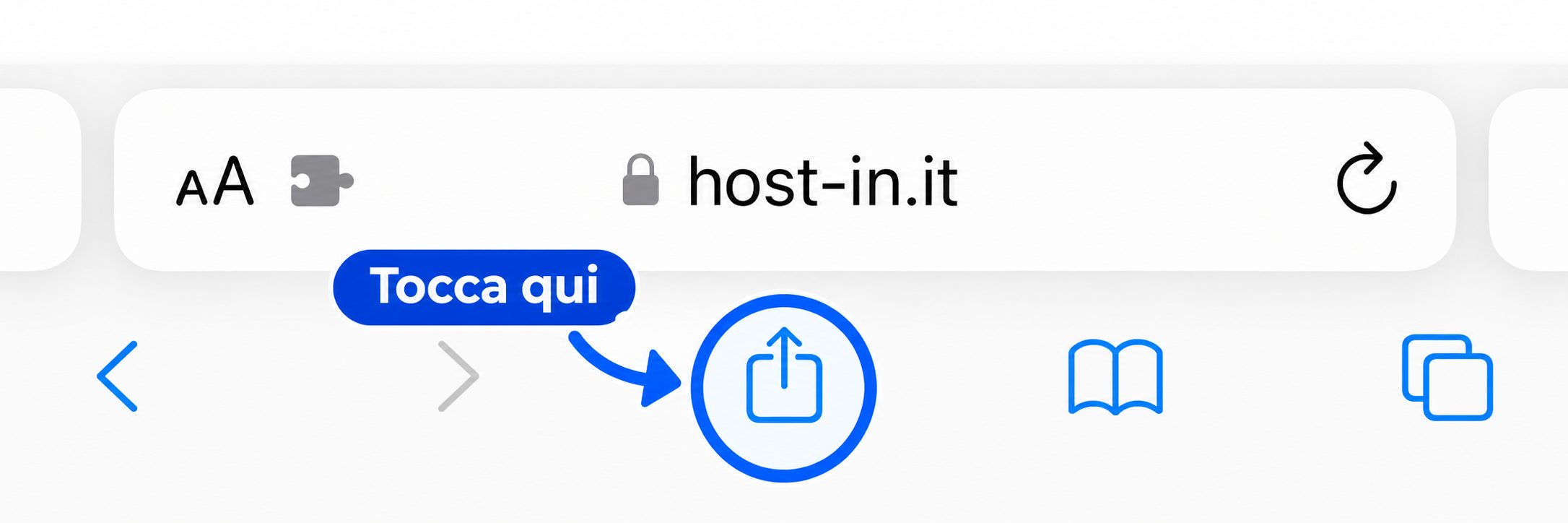
3. Scroll through the options and select "Add to Home Screen".

4. Tap "Add" and you're done!
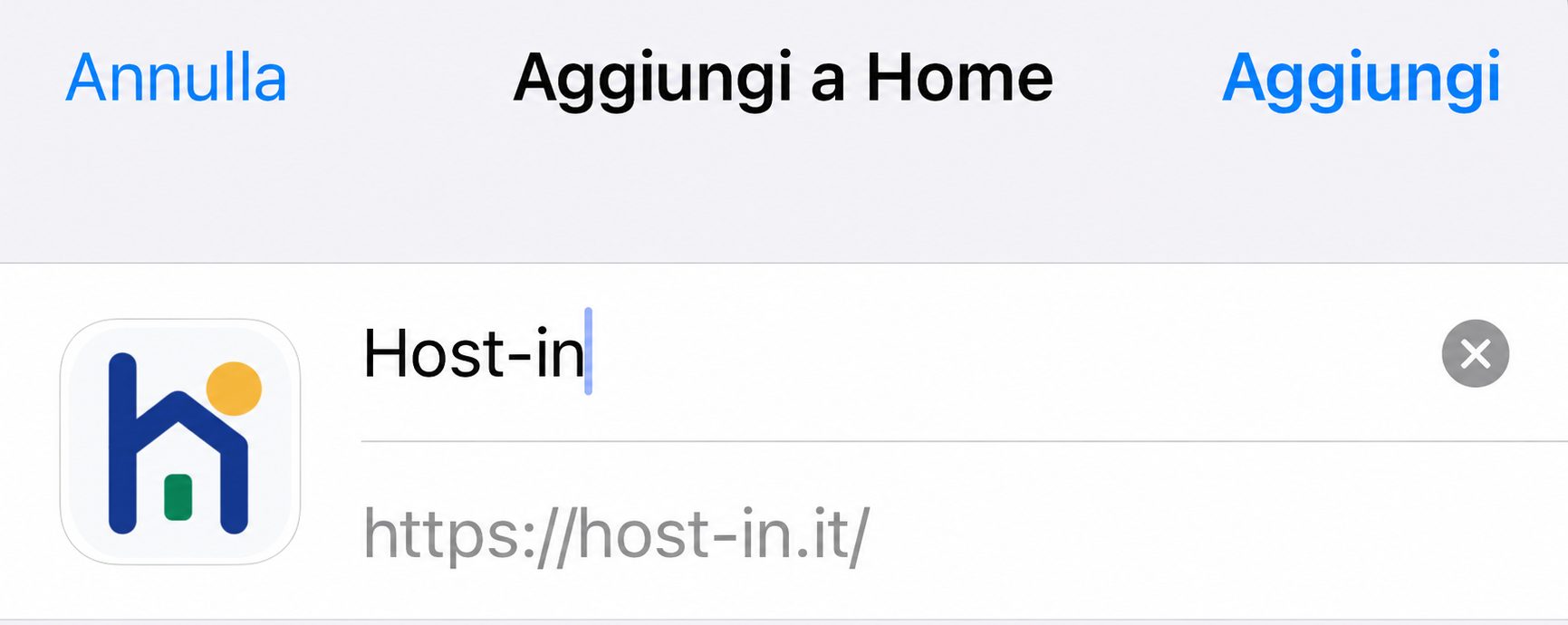
  • Done! The host-in icon will appear on your iPhone's Home screen.

Android

Add host-in on Android

1. Open Google Chrome on your smartphone and go to host-in.it.

2. Tap the three dots in the top right corner.
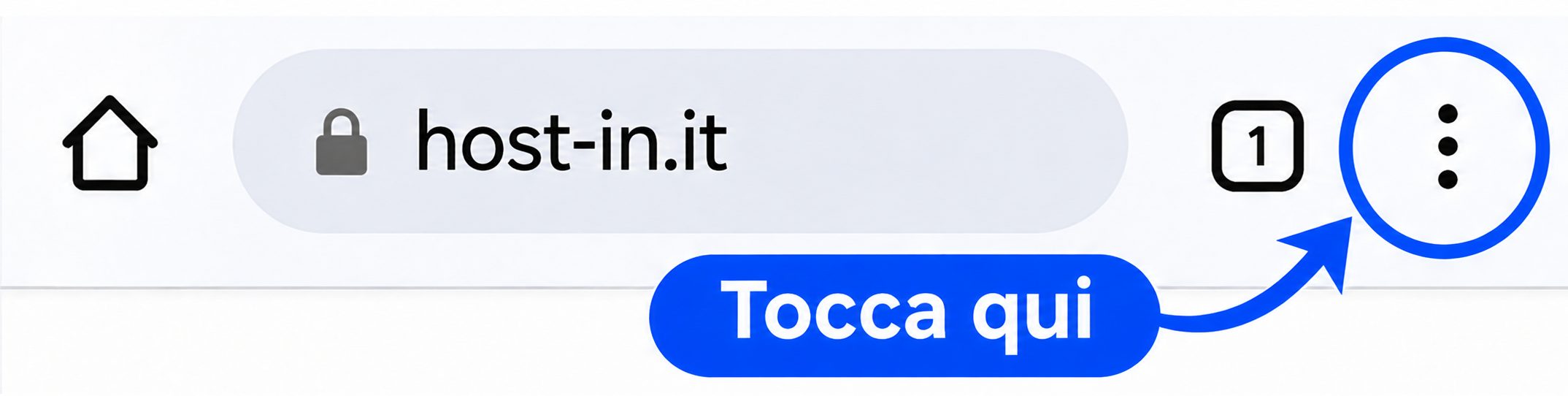
3. Select Install and create shortcut or Install app.

4. Tap Add or Install and follow the instructions on your phone.
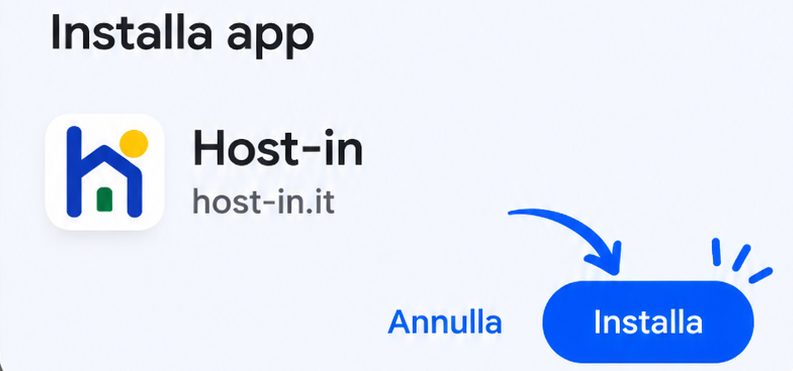
  • Done! You will find host-in on your Home screen and can open it with a single tap.

Host-in is always with you.

From now on you can open host-in straight from your smartphone's Home screen, without having to search for or type the website address every time.

Open host-in

Frequently asked questions about host-in on smartphones

Is host-in an app I need to download?
host-in is a web platform you can add to your smartphone's Home screen, just like an app. You do not need to download it from the App Store or Google Play.
Is adding host-in to my phone free?
Yes, adding host-in to your Home screen is completely free. There are no installation costs or subscriptions to use this shortcut.
Can I add host-in on both iPhone and Android?
Yes. You can add host-in to the Home screen of an iPhone using Safari and of Android smartphones using Google Chrome, following the instructions in this guide.
Why can't I find the “Add to Home Screen” option?
Make sure you have opened host-in.it directly in Safari on iPhone or in Chrome on Android. If you opened the site from Instagram, Facebook or another app, try opening it directly in the browser. Menu items may vary depending on your device and browser version.
Do I need to register again after adding host-in?
No. If you already have a host-in account, you can log in with your usual details. You may need to log in again the first time.
Can I use all of host-in's features from my phone?
Yes, you can browse properties, view listings and contact owners. If you have an owner account, you can also access your private area and use the features available in your plan.
Does host-in work without an Internet connection?
An Internet connection is needed to view listings, receive up-to-date information and use the platform's features.
How can I remove host-in from my Home screen?
You can remove the icon at any time, just as you would any other shortcut on your phone. Removing the icon does not delete your host-in account or your published listings.

Need help?

Can't add host-in to your smartphone, or ran into a problem during the process? We're here to help.

Contact host-in support

Report a problem

Something not working or not clear? Tell us: we read everything and it helps us improve the site.

Along with your message we receive the page you are on and your browser type, so we can understand the problem faster.